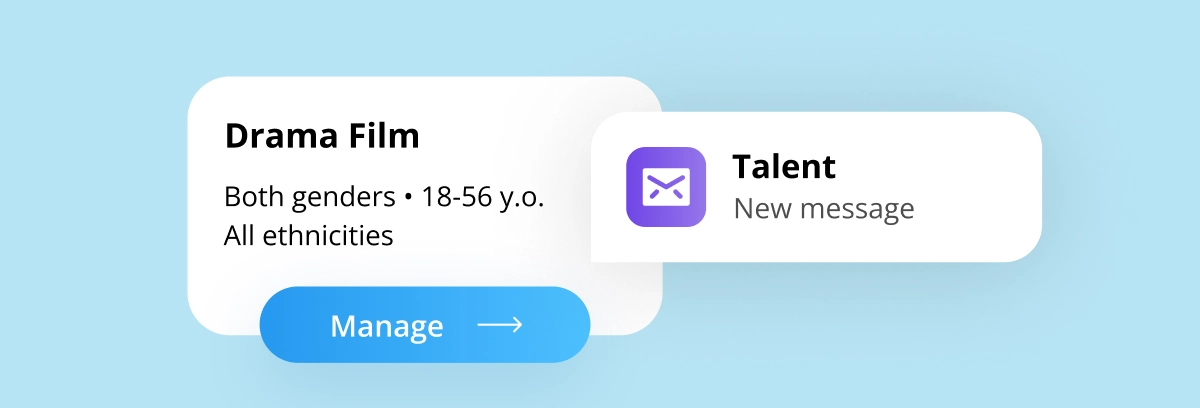
Watch: How to Manage Casting Calls on allcasting
How to Manage Your Casting Call Step by Step
1. Open Your Project Dashboard
Navigate to your active casting project and access the submissions section.
This is where all applicants are organized in one place.
2. Review and Select Candidates
Carefully evaluate profiles by reviewing:
-
Photos
-
Experience
-
Skills
-
Availability
Shortlist or mark candidates that match your project requirements.
3. Contact Talent Directly
Use the built-in messaging feature to:
-
Request additional information
-
Schedule auditions
-
Clarify availability
-
Send callbacks or booking details
Direct communication keeps the casting process efficient and professional.
Benefits of Managing Casting Within the Platform
Using allcasting’s built-in tools helps you:
-
Save time
-
Stay organized
-
Maintain professional communication
-
Reduce administrative workload
-
Speed up final decisions
For production teams and agencies, this creates a more reliable and streamlined workflow.
Final Takeaway
Successful casting depends on organization and clear communication.
By managing submissions and messaging talent directly within allcasting, you can simplify your workflow, reduce friction, and find the right talent faster.
If you're running an active casting call, take full advantage of these built-in tools to streamline your process.